Security on public Wi-Fi
Protect your connection at airports, hotels and cafés.
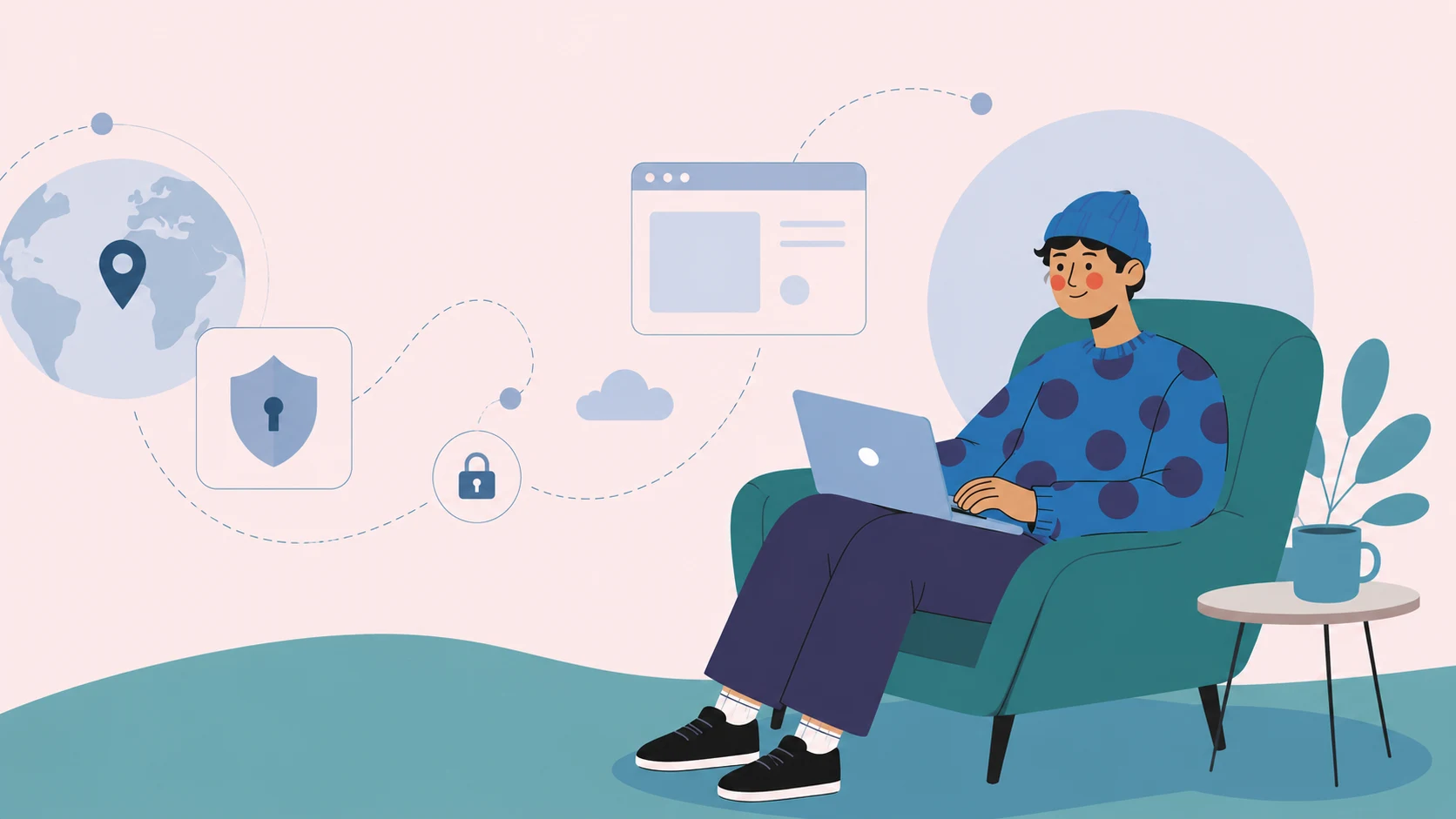
Main reasons to install a VPN
Protect your connection at airports, hotels and cafés.
Open sites and apps no matter the country.
Watch your favorite films, shows and live streams while travelling.
Securely access banking and work tools.
Slovenia is an EU country with a free, open internet, so a VPN isn't for access — it's for privacy on the move and keeping your home streaming and services with you.
A few euros a month for all devices — negligible against the cost of a hijacked login.
Set it up before you travel and connect on any public network. Compare VPNs below.
Best services for secure and stable connection
5 simple steps to secure internet
Get VPN from App Store or Google Play.
Create an account or log in.
Select a country or region to connect.
Click the 'Connect' button.
Your internet is now protected.
Answers to key questions about VPN and internet security
Slovenia is an EU country with no internet censorship. A VPN is useful for accessing geo-restricted streaming, home-country banking, and securing public Wi-Fi connections.
Region-locked content on Netflix, BBC iPlayer, Hulu, and other streaming platforms. Some banking apps may also require a home-country IP address.
Minimally – 5–10% when connecting to a nearby server (Austria, Italy). Internet in Slovenia is fast, so the loss is barely noticeable.
Yes, NordVPN supports up to 10 devices, Surfshark has no limit, Proton VPN supports up to 10. Convenient for families or couples.
NordVPN and Surfshark reliably bypass geo-restrictions on Netflix, Disney+, and other platforms. Proton VPN focuses more on privacy.
A VPN provides secure and anonymous access to the internet, helps protect your personal data from hacking, and unlocks access to blocked or unavailable websites and online services.
Most paid VPN services allow simultaneous use of account on multiple devices. Usually the number of devices ranges from 3 to 6.
Usually VPN slightly reduces connection speed due to data encryption. However, if you choose a server closer to your location and use a reliable paid VPN, the speed reduction will be practically unnoticeable.
Yes, most VPN services offer alternative installation methods through apk files on Android or desktop app versions for Windows and Mac.
Try connecting to a different server or restart the VPN app. If this doesn't help, make sure you have an active internet connection.
How to choose and set up a VPN, bypass blocks and stay safe while travelling.

Learn how to properly use a VPN while traveling: choosing a service, setting it up on your phone and laptop, bypassing restrictions, staying safe on public Wi-Fi, and accessing your favorite websites abroad. A simple step-by-step guide for beginners.
July 28, 2025
Not sure where to start when choosing a VPN? In this article, we break down which features really matter – from privacy policies to speed, server locations, and streaming support. Learn how to spot a trustworthy service, what red flags to watch out for, and why free VPNs are almost always a bad idea.
June 20, 2025
Public Wi-Fi is convenient – but risky. In this article, we explain what can happen when you connect to open networks without a VPN. You’ll learn about the risks lurking in cafés, airports, and hotels, how a VPN works, and why it’s essential for safe browsing while traveling.
June 23, 2025