Blog · eSIM
Where to Buy a SIM Card in Qatar: Airport, City Stores, and Online Options
 eSIM
eSIMIn this article
Some links are affiliate links. You pay the same, and we may earn a commission.
A practical guide to buying a SIM card in Qatar: where to get one at the airport or in the city, what documents you need, typical tourist packs, and when eSIM is the smarter choice.
Buying a SIM card in Qatar is usually easiest right after landing – Doha Airport has operator counters and kiosks in the Arrivals area. If you skip the airport, you can still get connected in Doha at official stores and major malls, or you can set up an eSIM before your trip and be online immediately.
Here’s where to buy, what to prepare, and which options tend to work best for travelers.

Key takeaways
- Fastest option – buy in Arrivals right after baggage claim.
- A passport is typically required for registration and activation.
- Qatar’s main mobile operators are Ooredoo and Vodafone Qatar, and both offer traveler-friendly options.
- If you want zero queues – get an eSIM in advance, activated directly on your phone.
- Prices are often shown in QAR, but the peg to USD makes $ estimates fairly reliable.
- For short trips, 7-14 day packs are usually best, while longer stays often favor 30-day options or top-ups.
- Use basic public Wi-Fi safety habits even with a local SIM.
Where to buy a SIM card in Qatar
1) At Doha Airport
This is the most common and convenient option.
What you typically get at the airport:
- operator kiosks in Arrivals
- new SIM purchase and top-ups
- help with setup and mobile data
Ooredoo lists multiple purchase points in the Arrivals Hall area. Vodafone Qatar also has an airport location, which can be handy if you want quick activation and a ready-to-use prepaid pack.
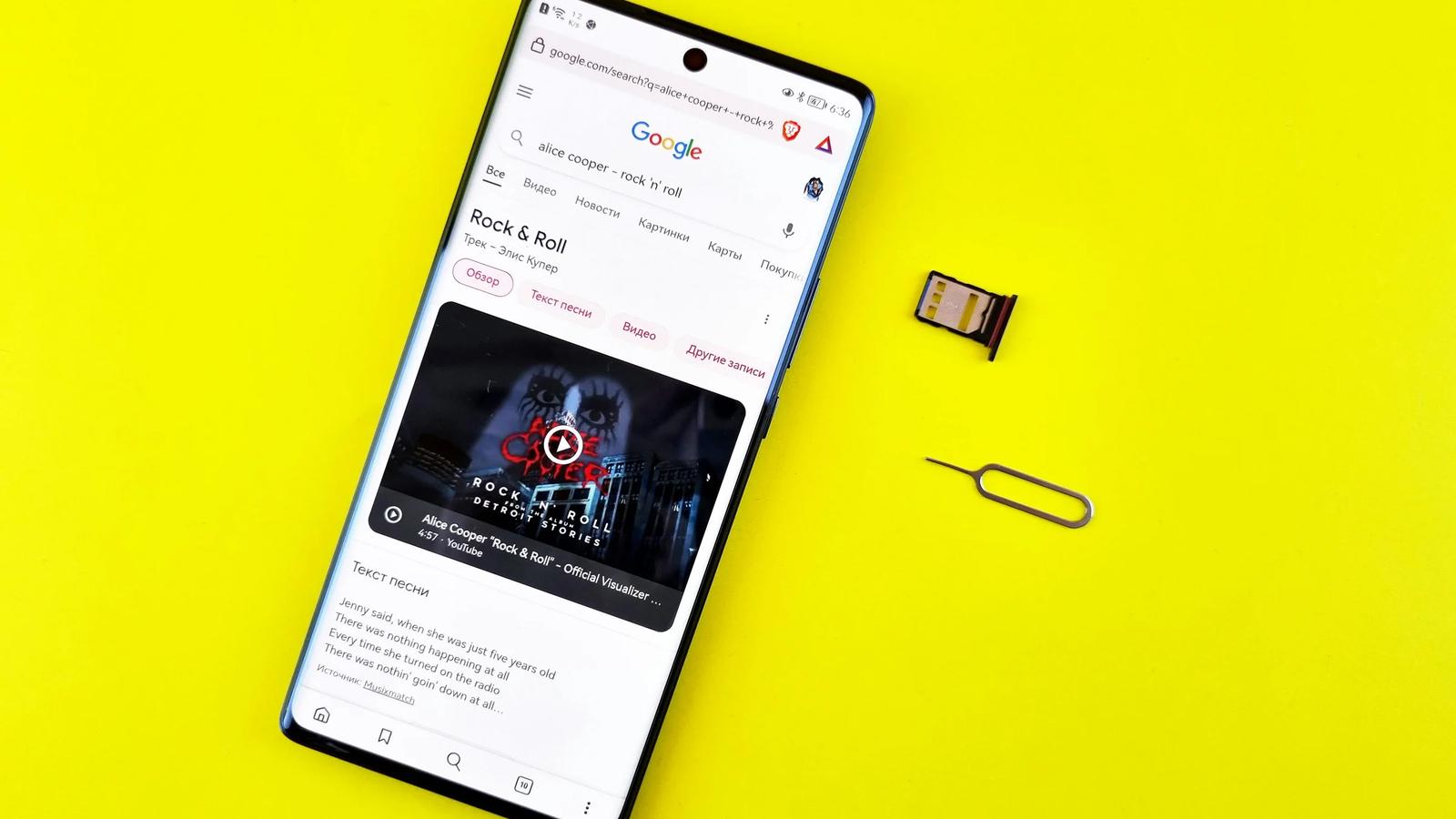
2) In the city: official stores and malls
If you don’t buy at the airport, the next best option is an official operator store in Doha or inside a major mall. This is ideal if you need:
- in-person support
- switching plans, changing to eSIM, or troubleshooting
- help configuring your phone
3) Retail and partner locations
Vodafone Qatar advertises a broad network of SIM pick-up locations across Qatar, so you may find SIMs and recharges at partner retail points. Whenever possible, choose official or authorized sellers to avoid registration issues.
4) Online and eSIM before your trip
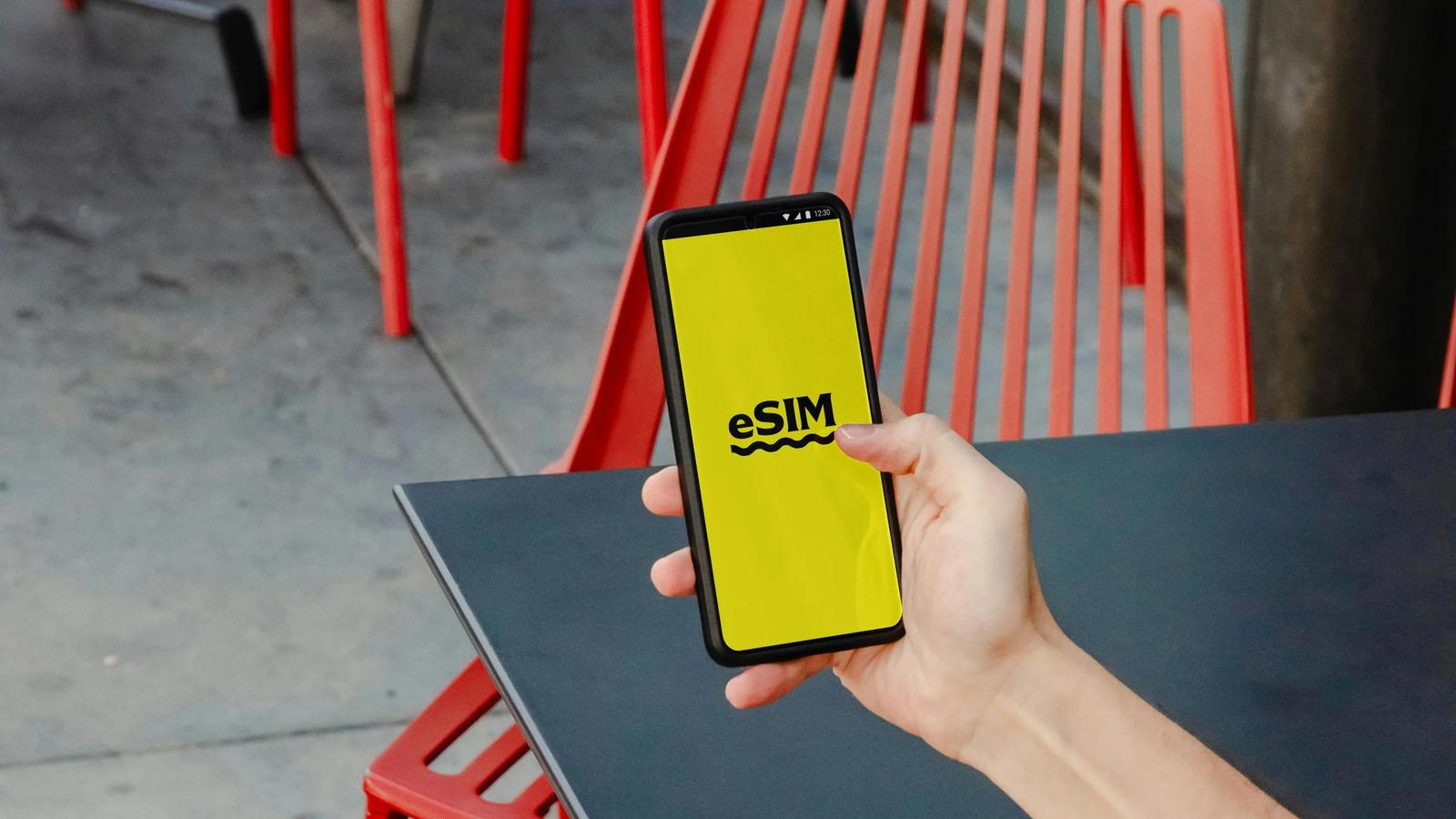
If your phone supports eSIM, it’s often the smoothest route – no physical SIM swap, and you can connect as soon as you land.
Practical options include:
- eSIM via local operators’ online ordering
- travel eSIM marketplaces such as Airalo, Ubigi, Saily, Yesim
With eSIM, you can keep your physical SIM for SMS logins while using the travel data line for internet.
What documents do you need
For most traveler scenarios, a passport is enough for SIM registration and activation. Some resident services may require a local ID, but tourists typically use their passport.
Prepare:
- passport
- hotel details or a local address if requested
- an unlocked phone
Which option to choose: quick guidance
1-7 days in Qatar
- a 7-day tourist pack or a small data bundle is usually enough
- prioritize maps, ride-hailing, and messaging
8-14 days
- a 14-day plan with a buffer helps avoid inconvenient top-ups
15-30 days
- 30-day bundles or regular app top-ups are typically more cost-effective
Prices
Below are practical benchmarks.
Ooredoo Visitor SIM (official tourist packs):
- 6 GB for 7 days – $20.55
- 10 GB for 14 days – $27.47
- 25 GB for 30 days – $41.20
Vodafone Qatar Prepaid:
- starter prepaid SIM packs often begin around $8-11, depending on the bundle and promotions
- week-long data add-ons can be around $5-6 for smaller boosts when you need extra data quickly
Tip: if you land late or want to move fast, buy a pack that comfortably covers your first 2-3 days, then adjust later in the city or via the operator app.

Tips
- Save your SIM details and PIN – useful if you switch devices.
- Enable data usage alerts and disable app auto-updates on mobile data.
- Test connectivity while you’re still near the kiosk – maps and ride-hailing are quick checks.
- If you use eSIM, keep your physical SIM as a backup for SMS verification.
- Use VPN and two-factor authentication on public Wi-Fi to reduce account risks.
FAQ
Can I buy a SIM at Doha Airport after landing?
Yes – buying in Arrivals is the standard approach, with operator kiosks and support available.
Do I need my passport to buy a SIM?
In most cases, yes – it’s used for registration and activation.
What’s better: physical SIM or eSIM?
eSIM is faster and easier if your phone supports it. Physical SIM works on virtually any unlocked phone and can be a solid fallback.
How do I top up if I run out of data?
Typically via the operator app or at official stores and partner retail locations.
Can I use hotspot with a Qatar SIM?
Often yes, but it increases data use quickly. For work trips, choose a plan with extra GB.
Summary
The easiest place to buy a SIM in Qatar is Doha Airport in the Arrivals area. If you prefer convenience and no queues, set up an eSIM before you travel. For trips up to two weeks, 7-14 day tourist packs usually make the most sense, while longer stays often benefit from 30-day options or app-based top-ups.
Sources:
- Ooredoo – Visitor SIM offers
- Hamad International Airport – Ooredoo kiosk info
- Saily – Qatar eSIM plan prices
- Ubigi – Qatar eSIM plan prices
- Yesim – Qatar eSIM plan prices
You may also like
eSIM in Qatar: why you should use it in 2025
Why eSIM is the smartest way to stay online in Qatar: coverage, data prices, roaming comparison plus setup and safety tips.
November 26, 2025
Internet for Digital Nomads in Doha: Coworking Spaces, Wi-Fi Cafés and VPN Requirements
Where to work remotely in Doha: coworking spaces with prices, cafés with fast Wi-Fi, 5G mobile internet, blocked services, and VPN setup for calls in Qatar.
February 14, 2026
eSIM Problems in Qatar and How to Fix Them: A Traveler’s Troubleshooting Guide
The most common eSIM issues in Qatar – installation errors, “No Service”, no data, and accidental roaming – with step-by-step fixes for iPhone and Android.
January 11, 2026
How to Choose an eSIM Based on Trip Length: From a Weekend to Months Abroad
A practical eSIM selection framework by trip duration: how much data you need, which validity periods make sense, and when regional or global plans are worth it.
January 08, 2026
How to Use Public Wi-Fi Safely in Qatar: A Practical Traveler Checklist
A clear, practical guide to staying safe on public Wi-Fi in Qatar: VPN basics, iPhone and Android settings, what to avoid on open networks, and safer alternatives like eSIM and tourist SIM plans.
January 10, 2026
How to Save on Mobile Data Roaming in Qatar
A practical playbook to cut roaming costs in Qatar: which option is best (travel eSIM vs local tourist SIM), where to buy, what to switch off, and how to avoid hidden data charges.
January 07, 2026